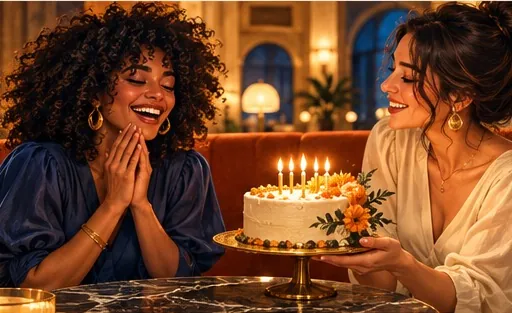
A recorded birthday shout-out
Rap “happy birthday” into your phone for ten seconds, then put yourself and the birthday person in the booth to perform it.
Your audio, their booth
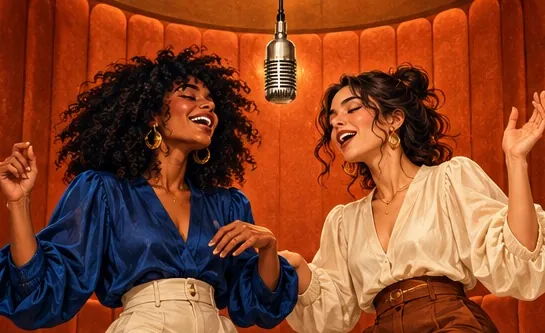
Yes, you can swap the Hotel Lobby track for your own audio. Upload two photos plus 2 to 15 seconds of a song, a voice memo or a recorded birthday message, and the rapper in the orange booth lip-syncs your file while the partner hypes. Your audio adds nothing to the price.
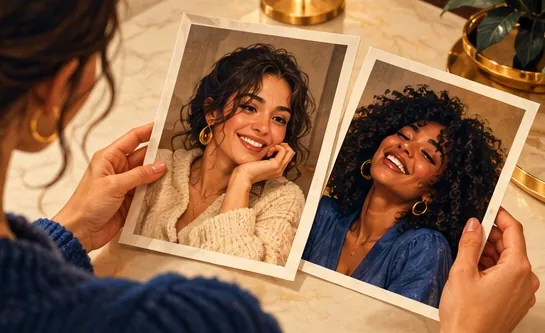
Your duo, one photo each
A single person per photo. Left raps, right hypes.
Stage
Video and audio
Cost: 6 credits. Takes roughly 5 to 15 minutes. If it fails, the credits come back. See prices
Hotel Lobby Video (hotel-lobby-video.com) lets you make the Hotel Lobby AI video with your own song. Choose Your song under Soundtrack & moves (already selected on this page), upload an MP3, WAV, M4A, AAC or OGG file and slide to the part you want; the lead lip-syncs that part on Wan 3.0. A 12-second clip at 480p is 6 credits, exactly the same as with the default track.
Last updated
Under the hood
Three inputs shape every Hotel Lobby AI clip. The two photos decide who stands in the booth. A reference routine decides the set, the framing and the choreography. A reference track decides what the lead mouths along to, and unless you change it, that track is the Hotel Lobby one.
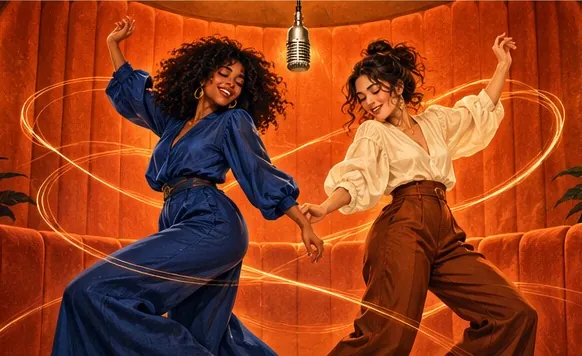
Uploading your own audio swaps out only that last input. The booth, the camera and the partner’s moves stay as they are, and the lead now raps or sings your words into the hanging mic. Your browser trims the file to the length of the video (15 seconds at most), starting wherever you set the slider.
Pair it with your own reference clip if you like: the clip supplies the movement and your audio supplies the lip-sync. Whatever you upload, make sure you have the right to use it.
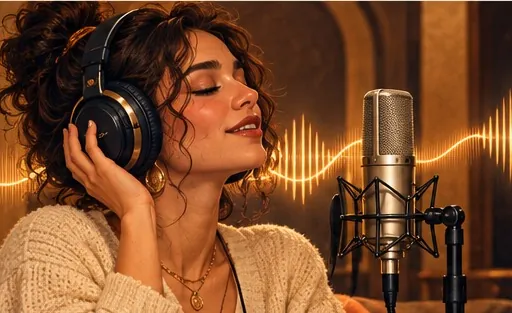
Start on a word, not on silence or a long intro, and pick a stretch where the vocal is loud and clear. A hook or a punchline usually lands best in 10 to 12 seconds. Spoken voice notes work as well as rap.
Upload to download
One clear photo each. The left photo is the lead who will mouth your audio; the right photo is the partner who reacts.
Your song is already chosen under Soundtrack & moves, so just upload. If the recording is longer than the video, drag the slider to the section you want.
6 credits buys a standard 12-second clip whichever sound you choose. Watch it, save the MP4, and know that a failed render refunds itself.
What to upload
Rap “happy birthday” into your phone for ten seconds, then put yourself and the birthday person in the booth to perform it.
Releasing music? Use the hook as the audio and two members of the band as the photos, and the teaser rides the trend.
That one voice note everybody quotes, delivered like a COLORS set. Short, clearly spoken clips sync best.
Write a verse about your friend, record it over any beat, and let the lead deliver it in the booth.
| It can | It cannot |
|---|---|
| Have the lead perform your song, rap or voice memo | Have both people sing your upload (use AI rap with Both rap instead) |
| Use up to 15 seconds, the length of a typical TikTok or Reels clip | Turn a whole song into a full music video |
| Follow your recording’s words and timing | Clone a famous voice, or promise a perfect copy of your file |
| Run on Wan 3.0, in the Hotel Lobby booth or over your own clip | Clean up noisy audio; clear vocals sync best |
Prefer a verse written for you? The AI rap video generator composes an original rap on your topic using a Seedance model.
Made elsewhere
These clips come from other creators and other tools. They show the format, not what Hotel Lobby Video will produce for you. Every clip credits and links its maker.
Yes. Open the page in your phone browser, add the two photos, and pick the audio from your files or voice memos. M4A recordings from an iPhone are converted in the browser automatically.
MP3, WAV, M4A (what most phone voice memos save as), AAC or OGG. MP3 uploads unchanged; the others are converted in your browser first. The video uses 2 to 15 seconds, starting where you set the slider.
No, audio is free. Only the model, length and resolution set the price: on Wan 3.0 at 480p it is 3, 4, 5, 6 or 7 credits for 5, 8, 10, 12 or 15 seconds.
Not here. Every clip is paid in credits, and your song costs the same as the default track: 6 credits for 12 seconds. Packs start at 10 credits for $9.99, and a failed render refunds automatically.
No. Your upload is lip-synced by the lead only; the partner reacts and dances. For two voices swapping lines, use AI rap with Both rap on a Seedance model, or make two clips with the photos swapped and join them, as shown in two people, one song.
The lead on the left mouths your audio into the hanging mic. The partner on the right points, reacts and dances on the beat, as in the original routine.
Only if you hold the rights to that recording. To post with the licensed song, add it from the sound library inside TikTok, Reels or CapCut when you publish.
Yes. Choose a Seedance model under Video, set the sound to AI rap and type a topic of up to 120 characters. The model writes an original verse and beat; it ignores any upload and is instructed not to copy existing songs.
That is fine. Any length uploads, but only 2 to 15 seconds is used. Your browser trims the file to the part you choose, which keeps the upload small.
Use a recording with clear vocals and little background noise, and start the selection on a word rather than on silence. Rap and speech both sync well.
Press play on your track
Two photos and a short audio file. It costs what the default track costs.